Create a resume that gets interviews.
Pick a polished design, import your existing resume, and build a clean PDF or DOCX in minutes. Edit in your browser, keep it local by default, and let AI turn a job description into a sharper first draft.
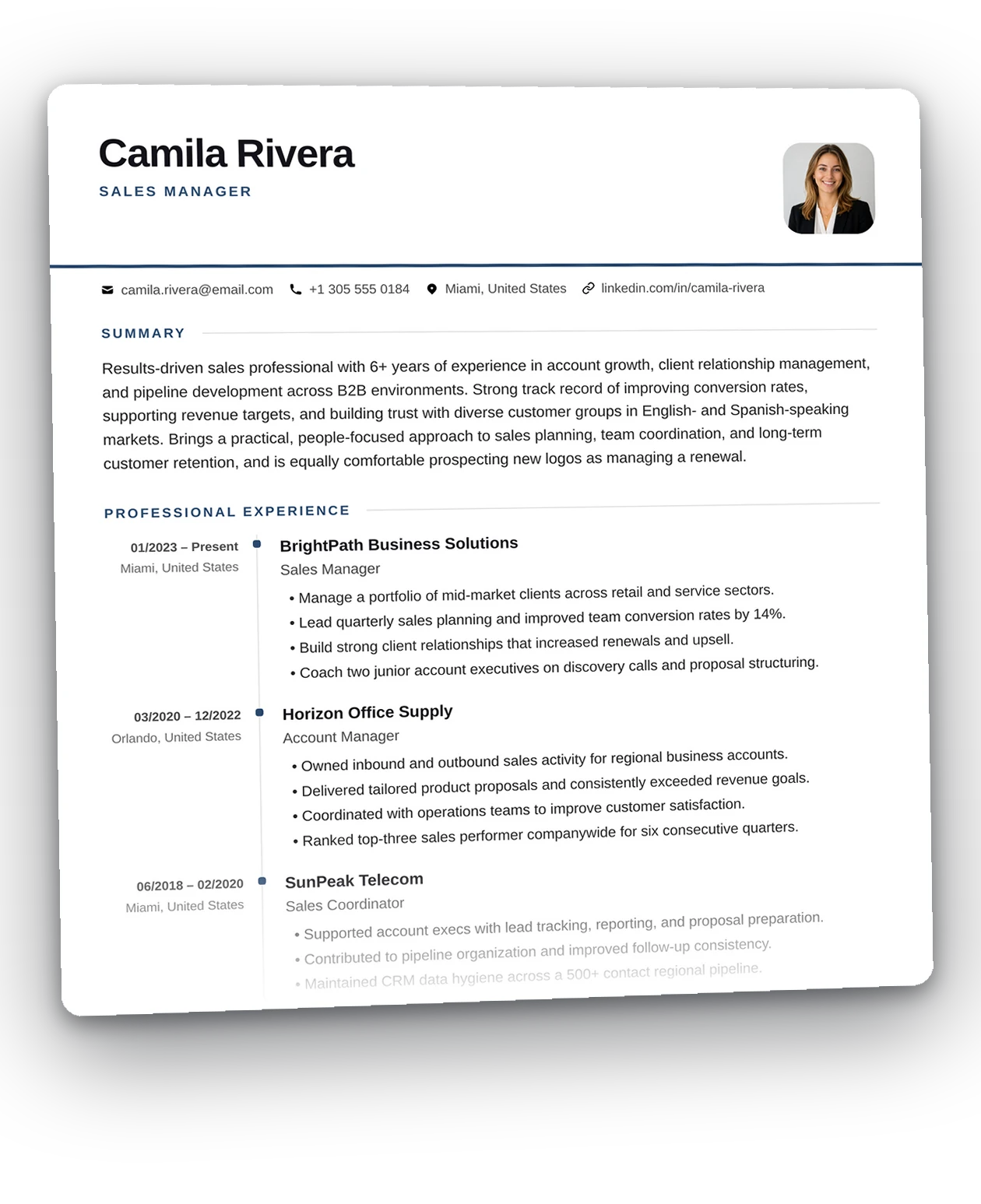
Target every job with a stronger match.
Save each role you’re applying for, paste the description, and match it against the version of your CV you’re sending. Draftly highlights the missing keywords so you can tailor it without guessing.
A keyword scan, not an ATS simulation. It runs in your browser — the posting is never uploaded anywhere.
Explore the free job tracker →Write the letter that complements it.
Keep your CV and cover letter in the same workflow. Draftly carries your details across, so you can focus on the story that matters most: why this role, why this company, and why you fit.
- eight designs, each with the same Edit and Design tabs as a resume
- A highlights block for the three lines a hiring manager actually reads
- Sign it with your finger or mouse, then export a PDF or DOCX
- 01Pick a template. Switch or recolor it anytime.
- 02Fill in your details, or import your old PDF or Word resume.
- 03Export to PDF or DOCX, ready to send.
Build without friction.
- No watermarksYour exports carry your name, not ours.
- Unlimited exportsDownload as many PDF and DOCX files as you need.
- Twenty-seven templatesSwitch design or recolor at any point without retyping.
- Import your existing resumeUpload a PDF or Word file and turn it into editable sections.
- AI-assisted draftsAdd your details, paste a job description, and get an editable starting draft.
- Work across devicesSign in to sync your resumes, letters, and job applications.
Local by default. Sync when you want.
Draftly is local-first, which means you can build, edit, import, and export without sending your work anywhere. If you sign in, your resumes, cover letters, and job tracker sync to your account so you can keep going from another device.
- Local by defaultEverything you type, import, and export stays on your device until you choose to sign in and sync.
- Signed in, it follows youYour resumes, cover letters, and job tracker sync to your account so you can continue on any device.
- A copy is always yoursExport a PDF or DOCX anytime for backup, sharing, or keeping a local record outside the browser.
Signed out, the browser is the only place your work lives. Clear the browser and the copy is gone unless you export a PDF or DOCX, or sign in to sync it.
A builder that keeps the process simple.
Most resume builders make you choose between speed and polish. Draftly gives you both: clean templates, fast editing, and exports that stay sharp in PDF or DOCX. You can start from a blank document, import an existing resume, or use AI to create a sensible first draft in seconds.
Everything runs in your browser by default, so you stay in control of your work while the editor remains fast and lightweight. When you are ready to share or save it, export a polished version and keep moving. It is a practical tool for getting the document done, not a complicated workflow you need to learn first.
Keep the formatting clean enough for ATS to read.
Before a recruiter reads your resume, most Applicant Tracking Systems (ATS) parse it first. They look for standard sections, clean structure, and readable text — not decorative layouts that force a machine to guess what it is looking at.
Draftly’s templates are designed to keep that structure simple. Exported files are real, selectable text rather than a flat image of a document, so ATS tools can read the content consistently. That means your experience, skills, and education are easier to parse without losing visual polish.
The built-in job tracker helps you compare your resume to the posting and spot the missing keywords before you hit send, so your edits stay aligned with the job rather than with guesswork.
Small changes that make a CV stand out.
- Tailor it per roleA resume aimed at one specific job beats a generic one every time — mirror the posting’s language wherever it’s honestly true of you.
- Lead bullets with impactStart with the result (“Cut support response time 30%”), not the task (“Responsible for support tickets”). Numbers make vague claims concrete.
- Keep it tightOne page for most people, two if you’re senior. Recruiters skim, so make the top third of the page earn its place.
- Use standard section names“Work Experience” and “Education” parse far better than clever headings an applicant tracking system won’t recognise.
- Match keywords honestlyPaste the job description into the tracker, see which terms you’re missing, and add only the ones that genuinely describe you.
Before you start.
Is it really free?
Yes. You can build a resume and export it as a PDF or DOCX without paying. There are no watermarks and no export limits.
Where is my resume stored?
Signed out, in your browser’s local storage on the device you built it on — it is never uploaded, and no server holds a copy. Create a free account and it also syncs to that account, so you can open it anywhere you sign in.
What if I clear my browser or switch devices?
With an account, nothing is lost — sign in on the new browser and your resumes, cover letters and job board are there. Signed out, the browser is the only place your work lives, so clearing it clears the resume; export a PDF or DOCX copy before you do.
Will it get through an applicant tracking system?
Exports are real, selectable text — not a screenshot of a resume — so parsers can read them. No builder can promise a specific ATS will score you well, but the file itself won’t be the problem.
Can I import a resume I already have?
Yes. Upload your existing PDF or Word file and Draftly reads it into editable sections — name, experience, skills and the rest — right in your browser, nothing uploaded. It flags anything it is unsure about so you can fix it in seconds. Prefer to paste plain text? That still works too.
Can I keep more than one resume?
Yes. Keep a separate copy per role, duplicate one to tailor it, and link each to a job in the tracker.